プロフィール、メールアドレスとあなたのデータ
あなたの情報は正確に保つ、Yoshukoが送るメールの種類を選んで、 データのコピーを携帯するか、アカウントを閉じてください。各タスクは1分から2分です。
開始する前に
名前、タイムゾーンと使っているお金の種類を変更する
受講者として:
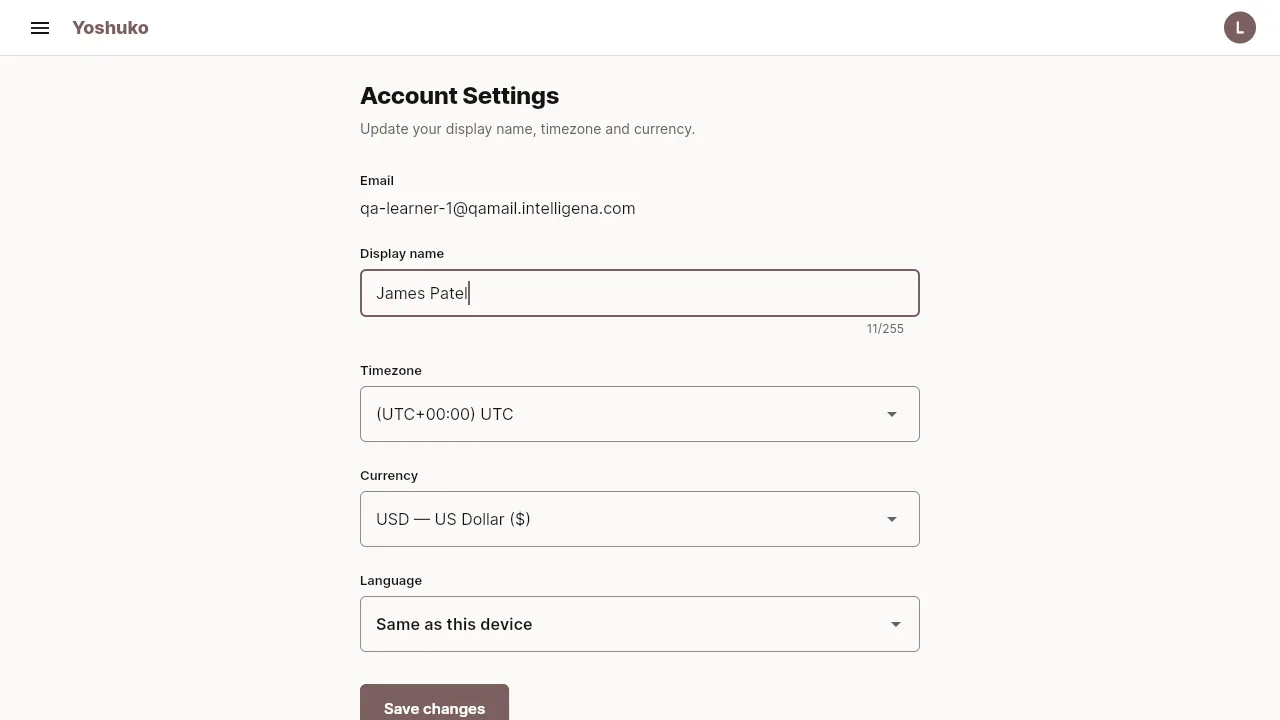
- Open the account menu and choose Settings. The Account Settings page shows your Email, which you can't change here.
- Change any of these:
- Display name: the name other people see.
- Timezone
Currency(the kind of money prices are shown in)
- Press Save changes. You see Settings saved.
As a creator: on your Profile page, change Display name, Timezone or
Time display (12-hour (1:00 PM) or 24-hour (13:00)), then press Save.
The last dates for work, and the times when your lessons are open, use your timezone. It
was set from your browser when you signed up.
言語を選択する
Yoshuko は English, Chinese (簡略化された書き方), Spanish, Japanese, German, French および Arabic にあります。Arabic は右から左へ読みます。
- In the learner app: open Settings and use Language. Same as this device follows your phone or browser. Each language is named in its own letters, so you can find yours without reading English. The app changes as soon as you choose, and your choice is saved to your account, so another device and the emails we send you follow it.
- On the website: use the language menu in the top bar. On the public pages (home,
pricing, comparisons, help) each language has its own address, such as
/ja/pricing/, so you can save a link to the page in your language or share it.
翻訳されていないもの
法的文書 (利用規約、プライバシーポリシーなど) は English のみです。コース コンテンツはクリエイターが書いたままの言語で表示されます。まだ翻訳されていない文 句は English で表示されます。
受けるメールの種類を選択する
- In the learner app, open Settings, then
Notifications(Choose which emails you receive). -
Switch each kind of email on or off:
Setting What it covers Marketing emails Special offers, new features, and news about the product. Course updatesNew lessons, changes to content, and messages from teachers. Progress reminders Messages that remind you to continue courses you have started. Discussion replies When someone answers a discussion topic you started. Billing emails Receipts, bills, and warnings about payments. This one can't be switched off. 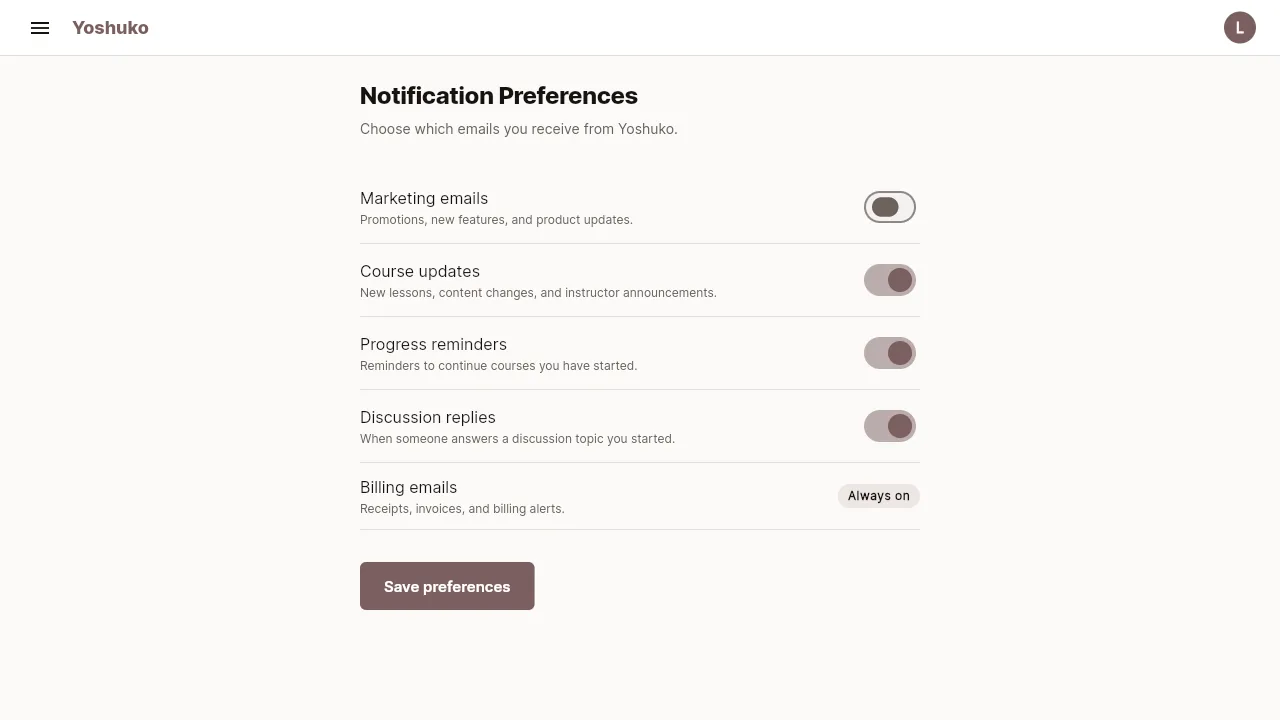
-
Press Save preferences. You see Preferences saved.
あなたのデータのコピーをダウンロードする
- In the learner app, open Settings, then Data & privacy (Export a copy of your data).
-
Press Request data export.
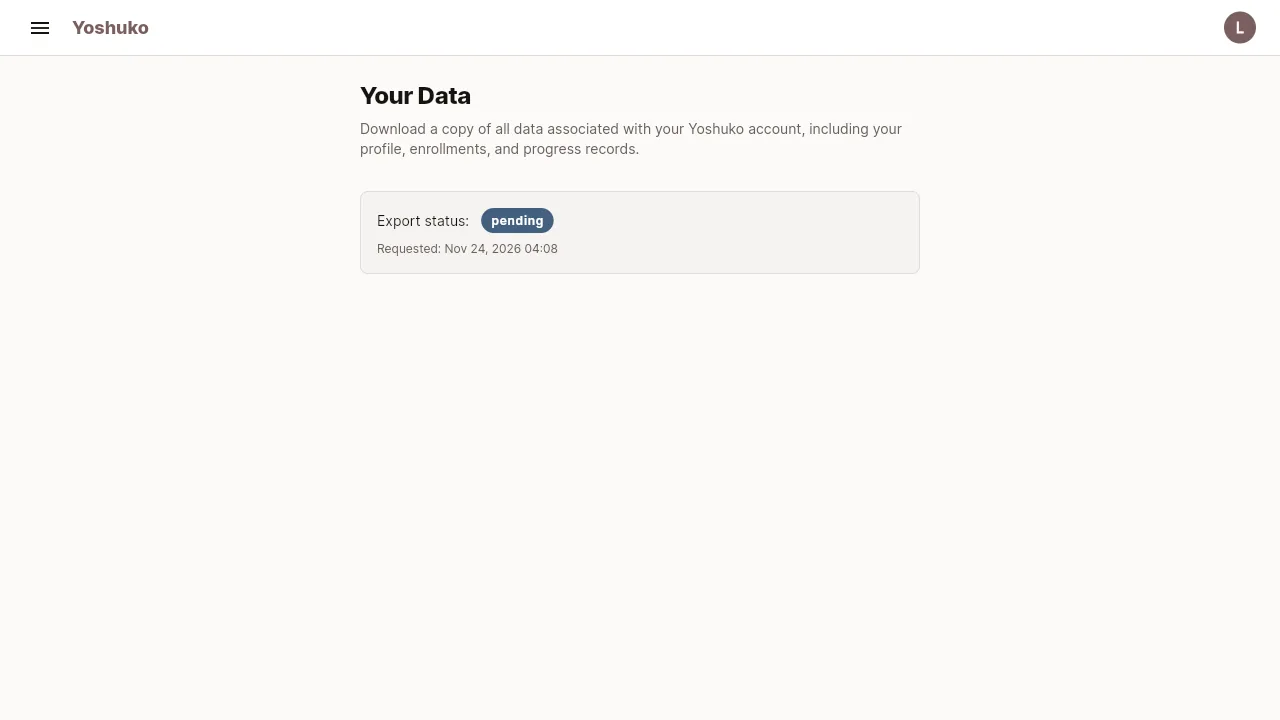 3. Wait while the copy is prepared. The Export status shows how it is going and when
you asked for it.
4. When it is ready, press Download export.
The download is a single file. It includes your profile (email, username, phone number, display name, timezone, language, the kind of money you use, and the dates you joined, proved your email and accepted the terms), the courses you joined and your progress in each course, your lesson progress, your certificates, and everything you wrote or were marked on: your lesson answers and quiz tries, your grades, your discussion topics and replies, your attendance, your results for answers written on paper, which versions of the terms you accepted, and the plans you pay for that give you every course from a creator (each one a subscription). It covers every organisation you have used Yoshuko with. If a part of it could not be prepared, the file lists that part by name, so it is never just empty with no reason given. The file is kept for 30 days. If you press Request data export again within a few minutes, you get the same copy back, not a new one.
アカウントの削除
30日経過後は戻せません
何かを残したい場合は、まずデータのコピーをダウンロードしてください。
- 受講者アプリで 設定 を開き、
Delete account(ログインは今すぐ停止; 30日後には詳細が削除されます)。 -
警告を読み、ボックスに
DELETEを入力してください。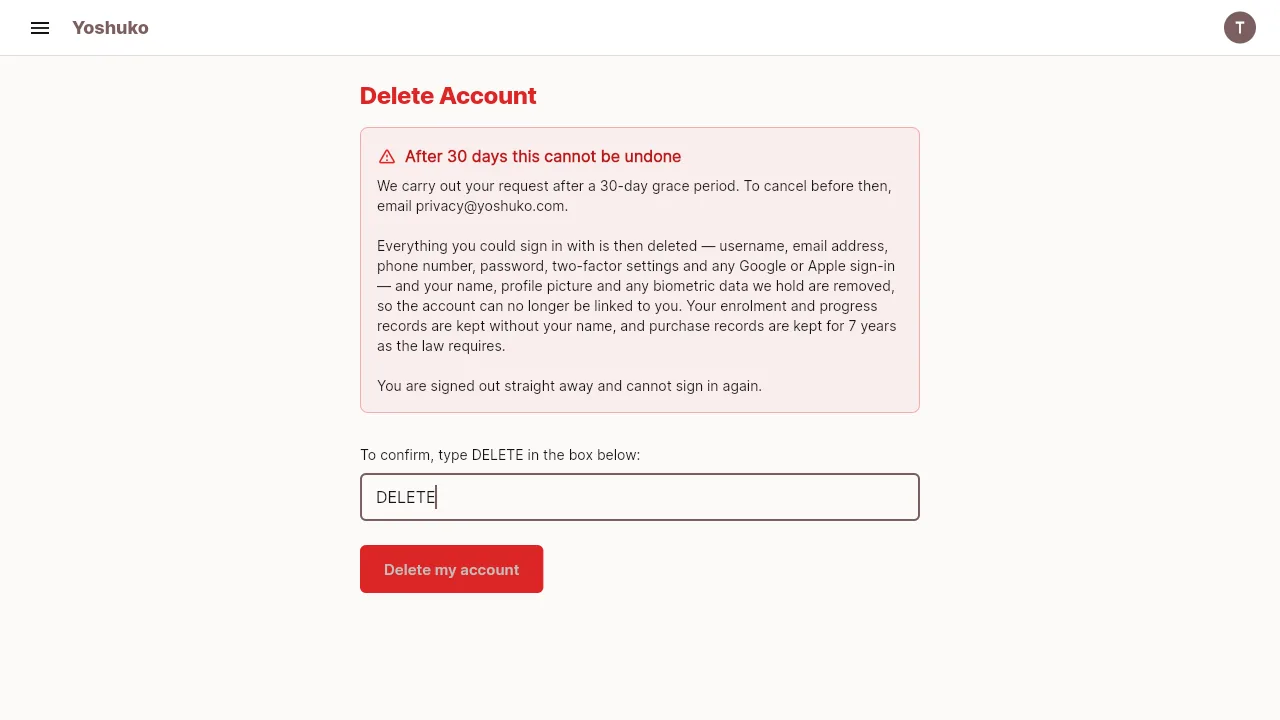 3.
Delete my accountを押してください。
すぐにサインアウトされ、誰もあなたのアカウントにログインできなくなります: あなたの パスワード で、Google や Apple のサインインで、またはログインしていたすべてのデバイスから。 アカウントにメールアドレスがある場合、私たちはそのリクエストを受け取ったことをメールでお知らせします。 意図して削除しなかった場合は、30日以内に privacy@yoshuko.com へ連絡してください。そうすれば アカウントを復元できます。
次に何が起こるか
あなたのリクエストは 30日 後に実行されます。この期間中、あなたはまだ意思を変更できます。 その時点では:
- すべてのログイン方法が削除されます: ユーザー名、メールアドレス、電話番号、 パスワード、2段階認証の設定、リンクされた Google や Apple のサインイン。 電話番号は解放され、新しいアカウントで再利用できます。
- あなたの名前とプロフィール画像が削除され、アカウントはあなたと紐付けられなくなります。
- 出席のために提供した顔のデータも削除されます。
法律により保存しなければならない記録があります: 購入および支払いの記録 (税務用で7年間)、 同意した規約の記録、セキュリティと誰が何をしたかの記録です。これらはすべてログインに 使用できる情報は含みません。参加したコースと進捗の記録も保存されます。 あなたの詳細が削除された後、それらはあなたが誰であるかを示さなくなります。
何か問題が発生した場合
| 見える内容 | その意味 | どうするか |
|---|---|---|
| 出力ステータスに「失敗」と表示されている | コピーの準備ができていません。 | データのエクスポートを要求 をもう一度押してください。繰り返し失敗する場合は、help へ連絡してください。 |
| 請求メール はオフにできません | 受け取る支払いの領収書や注意事項は常に送られます。 | — |
Delete my account がグレーのまま |
入力した内容が一致しません。 | DELETE を正確に大文字で入力してください。 |